1
Find the right Android device
Browse Templates using Samsung or Google to find the device family you need. Review the scene and plan label before starting; advanced devices may require Pro.
Build a product image around the device your audience uses. Explore Samsung Galaxy and Google Pixel scenes, add your own screen and shape a presentation for a launch, portfolio or product walkthrough.
Browse templatesChoose a scene and check its Free or Pro label before starting.
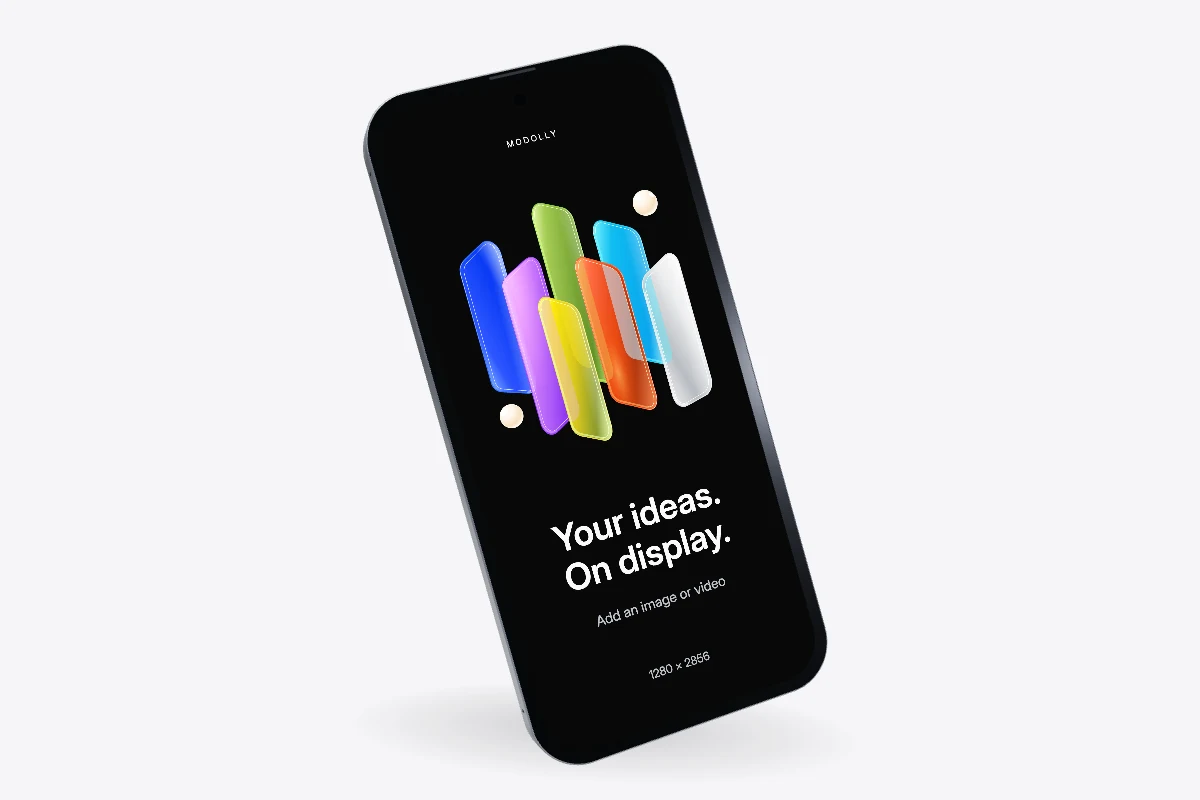
Browse Templates using Samsung or Google to find the device family you need. Review the scene and plan label before starting; advanced devices may require Pro.
Import your screenshot or recording, then compare fit and crop. Android screen proportions vary between models, so check top navigation, bottom controls and any content close to the camera cutout.
Adjust the background, screen brightness and camera angle. Keep the result still for a product page, or use a motion preset for a short demo. Download a PNG or silent MP4.
A screen captured on one phone may not fill another without cropping. Keep important controls away from the edges, preview the complete screen, and use fit when preserving every pixel matters more than filling the frame.
Choose a background that supports your interface colors and provides enough contrast around the device. A quiet background suits a busy dashboard; a stronger color can frame a simple onboarding or fitness screen.
The live Templates catalog includes Samsung Galaxy and Google Pixel devices. Use its device filters for the currently published models and plan requirements; availability can change as assets are released.
The editor uses the device from your selected template. To present the same design on another model, create a new project from that device’s template and reuse your locally saved media.
Bring your design into the scene. Save the project in this browser and download a backup to keep a separate copy.
Start creating