1
Choose an iPhone scene
Open Templates, choose Apple under the device filters and select your starting scene. Check the Free or Pro label before opening it. The chosen device stays with the project.
Give an app launch, case study or presentation a clear focal point. Put your interface on a 3D iPhone, frame the screen and create a still image or a short animation in your browser.
Browse templatesChoose a scene and check its Free or Pro label before starting.
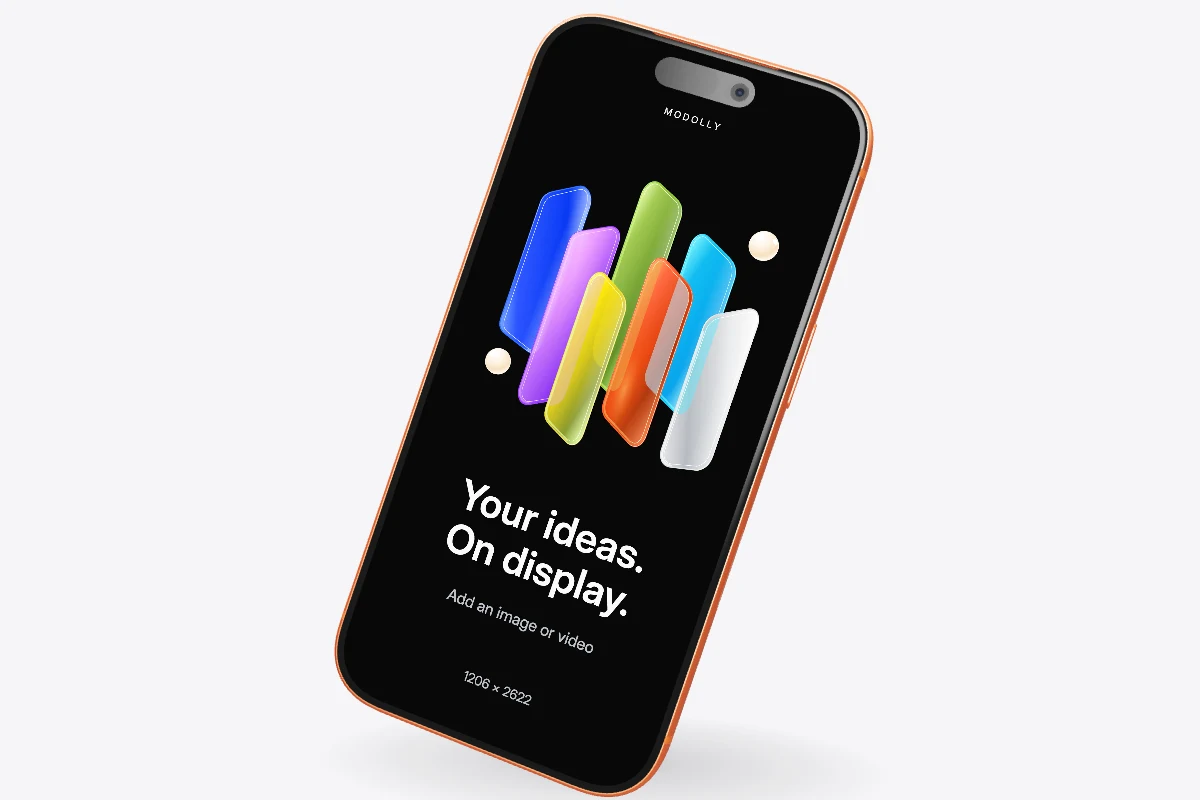
Open Templates, choose Apple under the device filters and select your starting scene. Check the Free or Pro label before opening it. The chosen device stays with the project.
Import a PNG, JPG, WebP or MP4 from your computer. Use a portrait capture that matches the device screen. Choose crop to fill the screen, or fit to keep the entire design visible.
Set the device finish, angle and background. Use a front view for interface details or a small turn for depth. Export the current frame as PNG, or animate the scene and export an MP4.
A steep angle can hide the very feature you want to show. Start close to the front, leave space around the device and check text at the size your audience will see. Use a closer crop for a single detail and a full device for a broader product introduction.
Import a short recording to demonstrate navigation inside your app. Camera motion and screen content work together: keep the camera gentle while the interface changes, then preview the full sequence before exporting. MP4 exports are silent.
You can start with a template marked Free. Some iPhone models and export options require Pro. The template label and export dialog show the applicable access and limits.
Your imported screen content and project stay in this browser. Account access and platform models use online services. Download a .modolly project backup before clearing browser data or moving to another browser.
Bring your design into the scene. Save the project in this browser and download a backup to keep a separate copy.
Start creating