Tablet mockups.
A little more room for your work. Put tablet interfaces, illustrations and editorial layouts on a screen that gives every detail space.
Browse tabletsMade in your browser. With your own design.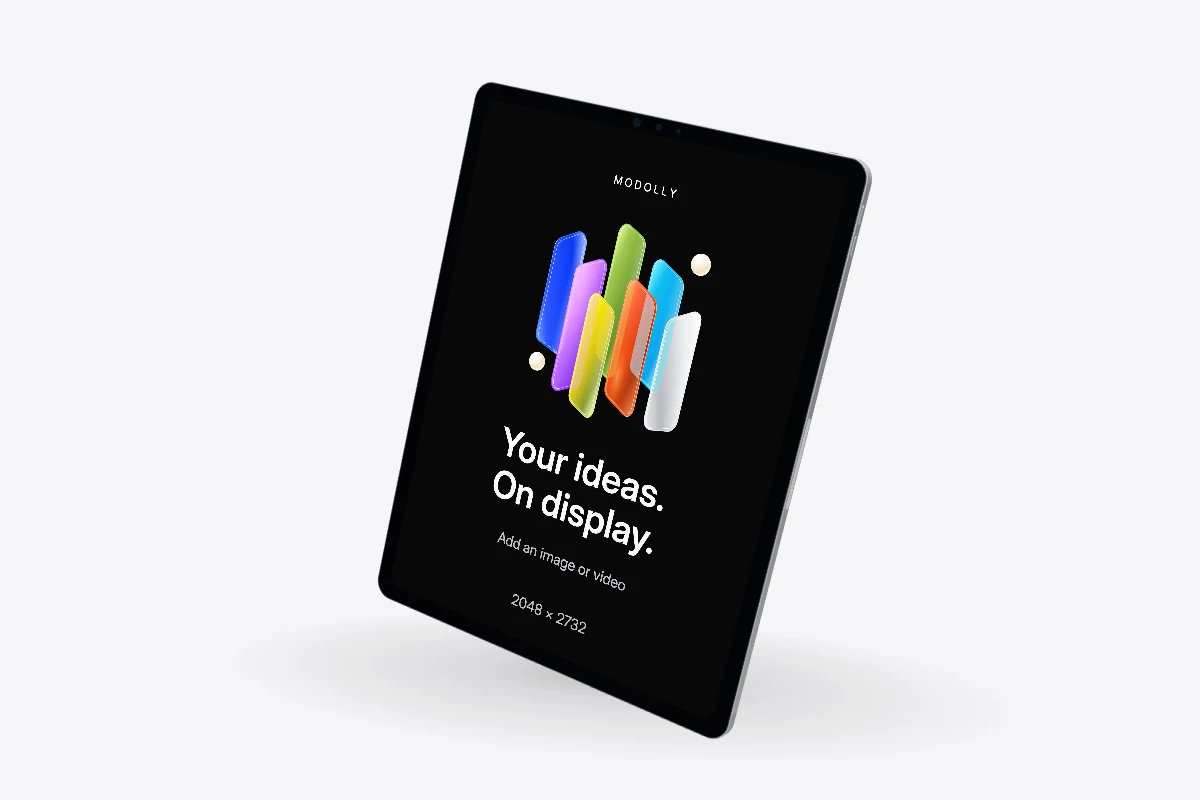
Explore tablets.
5 mockups
A device. Your design.
Something worth showing.
Choose your starting point
Find a device for your audience, or a ready-made composition for several screens. Check its Free or Pro label before starting.
Make it yours
Import an image or screen recording. Adjust the finish, camera and lighting, then add movement with the animation timeline.
Take it with you
Export a PNG or silent MP4. Your project and imported media stay in this browser; download a project backup to keep a separate copy.
Before you create.
Are these finished templates or 3D devices?
This library shows the device models and compositions you can use as a starting point. Templates also include prepared scenes with camera settings and animation. Both become editable projects.
Explore templatesCan I use my own images and recordings?
Yes. Import PNG, JPG, WebP or MP4, then choose how it fits the screen. Your imported media stays on this device.
What does the Pro label mean?
That model requires a Pro subscription to create and edit a project. Free models are available on the Free plan. Export options also depend on your plan and browser support.
Compare plansCan I switch the device later?
The editor keeps the device or composition you started with. Choose another model here to start a separate project, then reuse your local media.